

Blog
Our free toolkit for Full Stack Consultancy

Pieter Vercammen
Written on 10 Mar 2026
Back-End
Front-End
Full-Stack
Technology
In this post I'd like to share some tools I used to code as a full stack software developer. My shortlist only contains free to use applications as not everyone is a professional developer and can get his or her hands on licensed software. Feel free to add interesting (free) options in the comment section.
Intellij is awesome for Java development
Other Java developers will confirm: There’s nothing like Intellij. The ultimate edition comes at a price and will not be for everyone, but the community edition has a lot of similar features. Awesome shortcuts, great debugging and a decent plugin library make the community edition a good starting point for Java development.
And Spring Boot? As a lot of you I use Spring (Maven or Gradle) too. One disadvantage of the community edition is the lack of a Spring Initializer that creates your project in a few clicks. But it doesn’t take me much more than a few clicks either. I’ve tried the Spring Initializr and it worked out to be a rather painless experience.
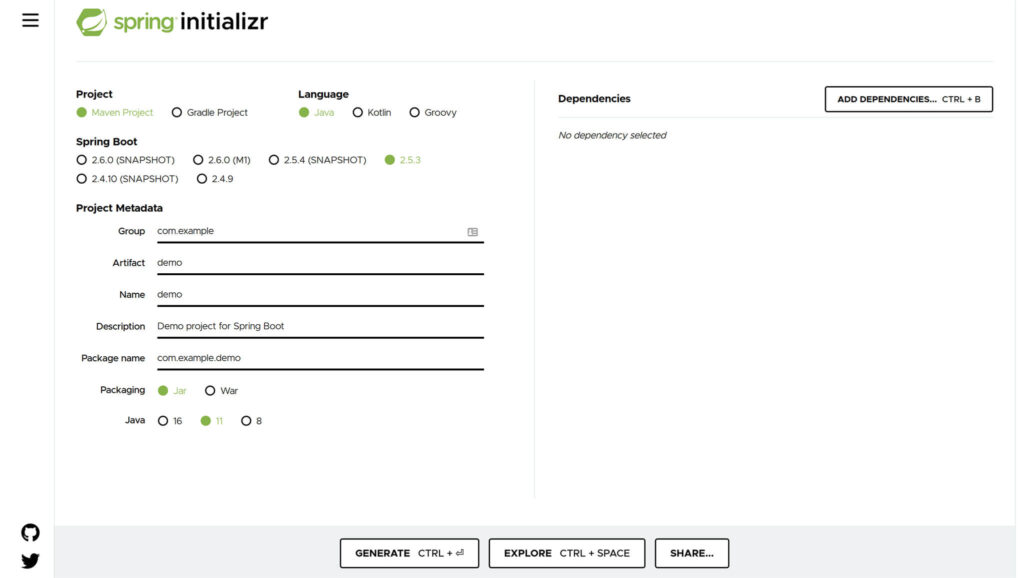
It takes some getting used to, but after this step I open the project in Intellij CE, which will then load all dependencies. And that’s all it takes really.
Intellij comes with great plugins for DB-management
Another usefull tool that’s missing in the community edition is the database browser. It offers the functionality of Data Grip with one click. I didn’t find anything exactly like it, but the Database Navigator Plugin almost offers the same functionality. You can connect to SQLite, MySql, Postgres or other databases in the same way and the rest is pretty much hands on.
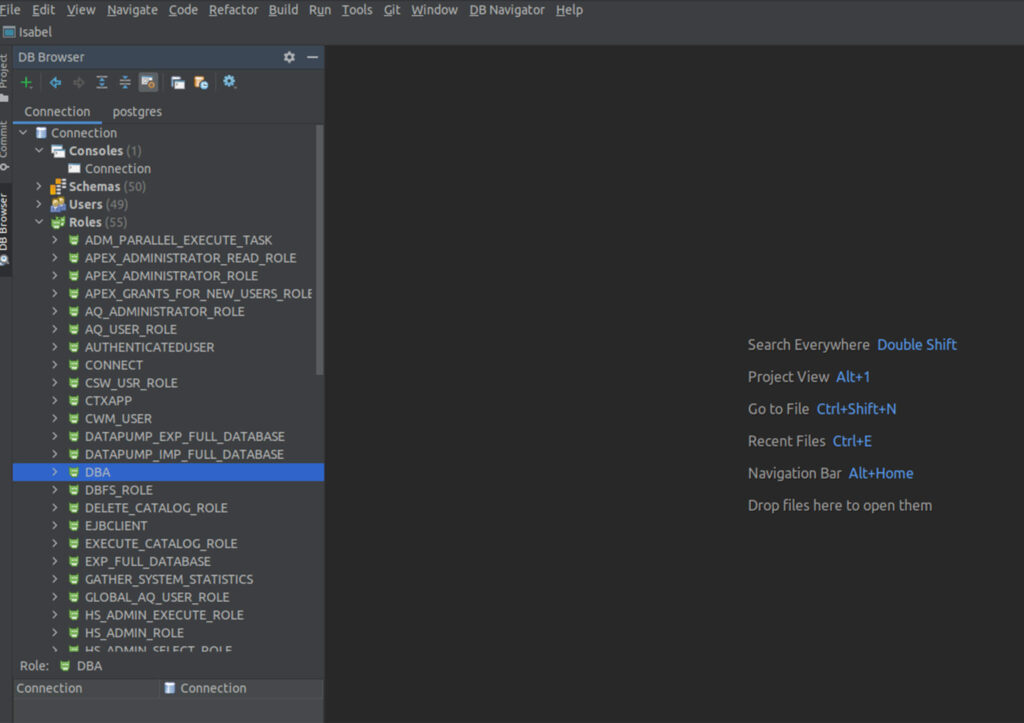
One quick addition. Since I work at an Oracle based company, I use a lot of Oracle databases and although the mentioned plugin can handle Oracle DB, I still like the ‘good old’ Sql Developer. It has tons of functionality and it can be installed on Windows, Linux and OSX.
Intellij comes witVS Code handles my front-end desires and other JS needs
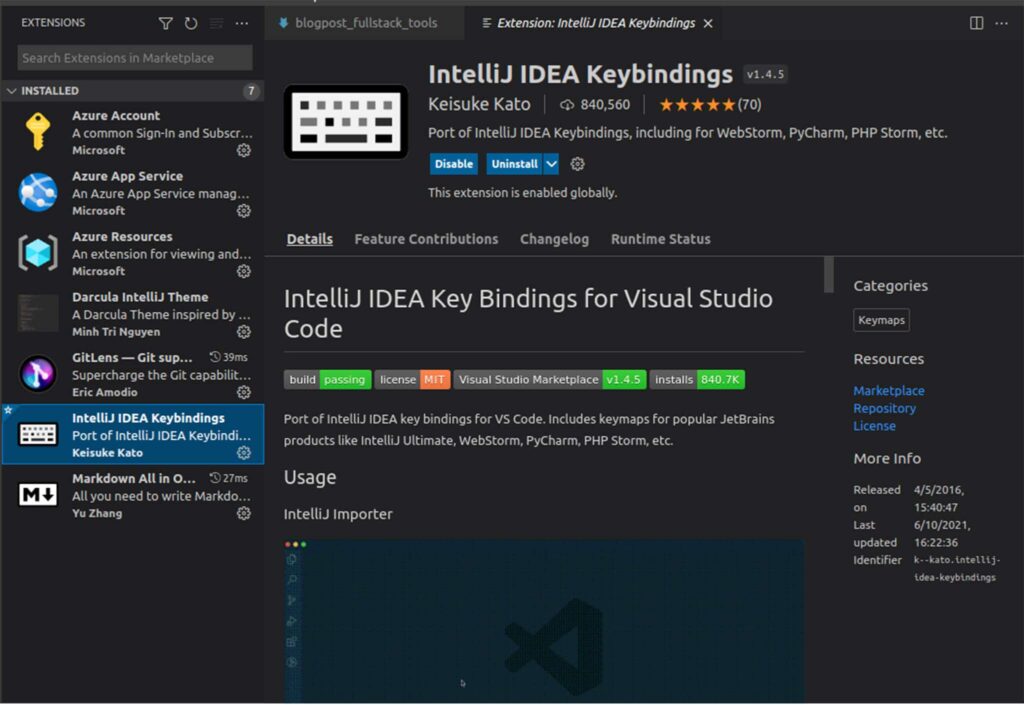
Even though I love Intellij, if you are going to use the community edition, javascript is not supported. But VS Code is almost as good and it comes with a lot of handy plugins. You’ll find a plugin for Intellij shortcuts or other usefull programming tools. I even use the Azure App Service for monitoring a few apps of our clients. And of course it comes with support for html/css/javascript.
Other languages: Intellij/VS Code
To be fair, I get to use the Intellij Ultimate edition. Since most of my programming is in java, javascript or bash, this cuts it for me. But occasionally I write a bit of code in python or sometimes even .Net. For those occasions I sometimes use VS Code although Jetbrains has interesting tools as well. And of course, you can always write your code in a simple text editor, but even then the question remains: which one?
< Keep reading />
More from our team
Explore more insights, tips, and deep dives from the CraftCode team.
Let's get to work!
Ready to turn your vision into reality?
Let's build the systems that power your growth.